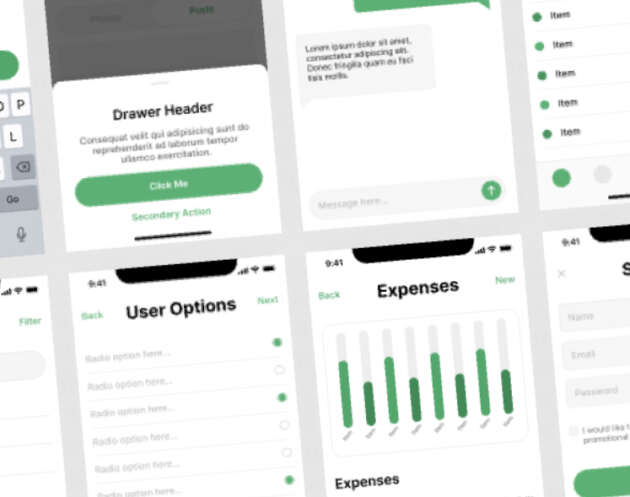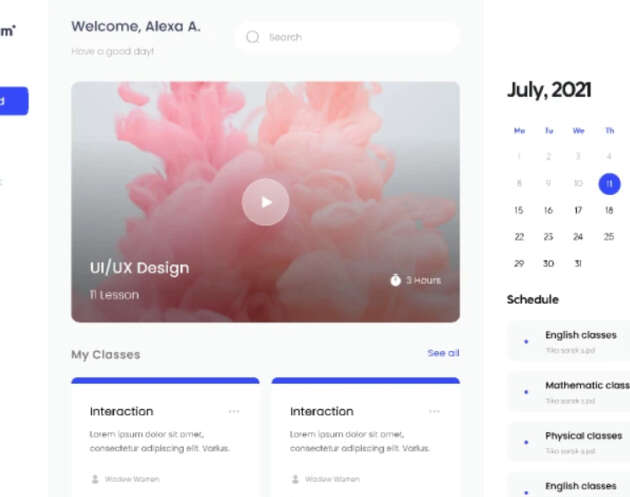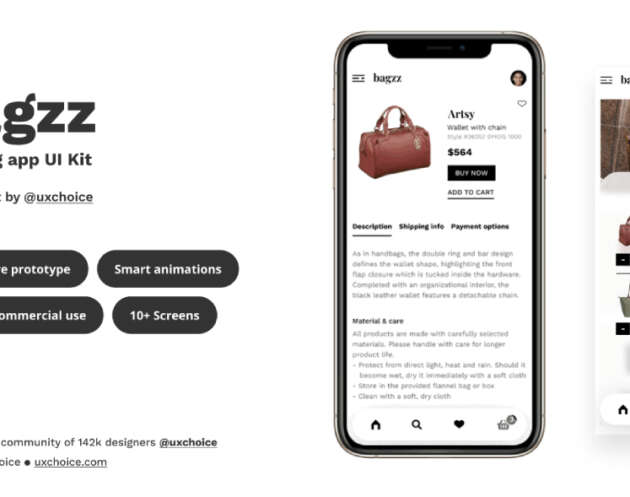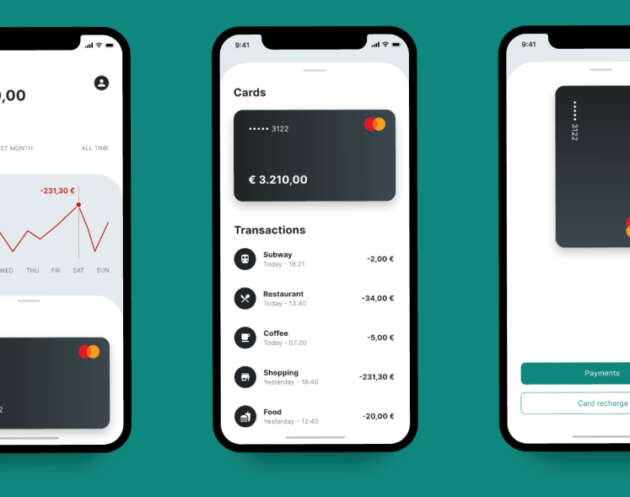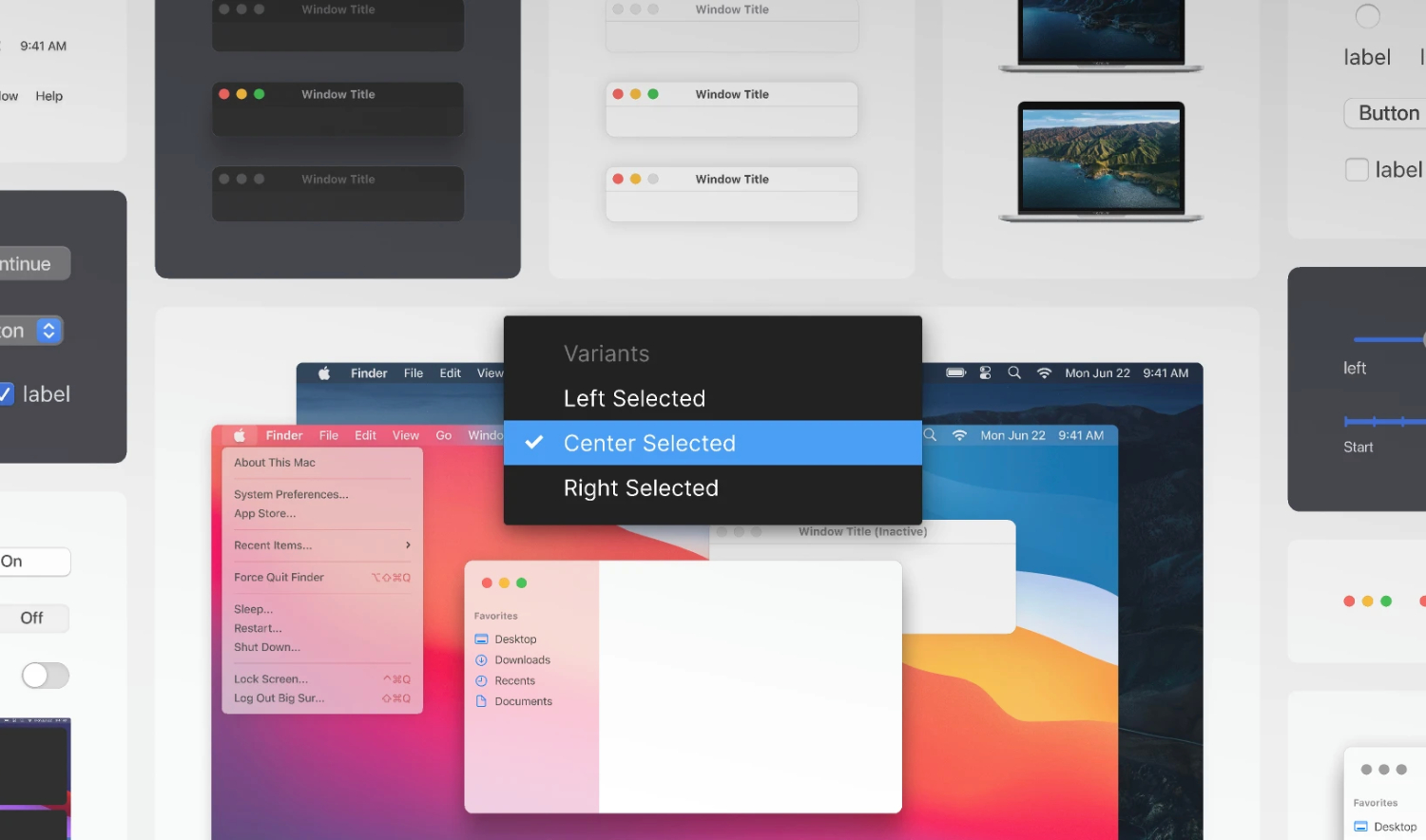
Download the Variants macOS Big Sur Figma UI kit that accurately reflects Apple’s macOS Big Sur interface using Figma Variants. Created and shared by Joey Banks, this resource is designed to help designers build, prototype, and experiment with macOS-style interfaces more efficiently while maintaining consistency and realism.
This UI kit focuses on leveraging Figma’s Variants feature to manage multiple UI states within a single component. Instead of duplicating elements for every interaction or state, designers can switch between variants seamlessly, making workflows faster, cleaner, and easier to maintain. It’s an excellent reference for anyone looking to improve their understanding of component systems and scalable design practices in Figma.
A Modern macOS UI Reference
Inspired by macOS Big Sur, this UI kit captures Apple’s clean, spacious, and modern visual language. From window controls and navigation elements to buttons, inputs, and system UI components, the kit provides a reliable foundation for creating macOS-style applications, desktop dashboards, or design system explorations.
Because the components are built using Variants, the file is especially useful for designers who want to create interactive prototypes or complex component libraries without cluttering their workspace. Each UI element is structured to reflect real system behavior, making it ideal for both conceptual work and realistic product design.
What’s Included in this Variants macOS Big Sur Figma UI kit
The Variants macOS Big Sur UI Kit includes a wide range of reusable desktop UI components designed with precision and flexibility in mind:
- macOS Big Sur–style buttons, toggles, and controls
- Window elements and navigation components
- Inputs, menus, and system UI patterns
- Components organized using Figma Variants
- Clean, scalable layout structure
All components are fully editable, allowing you to customize colors, typography, spacing, and states to match your project requirements.
Ideal For
This free macOS UI kit is well suited for a variety of design use cases:
- UI/UX designers working on desktop applications
- Product designers creating macOS-style interfaces
- Designers learning or practicing Figma Variants
- Design system exploration and documentation
- Prototyping desktop dashboards or tools
- Portfolio projects that require polished desktop UI
It’s also a great educational resource for designers who want to better understand how to structure component systems using Variants rather than static copies.
Why Use Variants?
Using Variants in Figma allows designers to manage multiple component states—such as default, hover, active, or disabled—within a single component set. This approach reduces duplication, keeps files organized, and makes it easier to update designs at scale. This UI kit demonstrates how Variants can be applied effectively in real-world interface design, making it both a practical tool and a learning resource.
Tools & Credits
- Design Tool: Figma
- Category: UI Kits
- Original Creator: Joey Banks
- Style Reference: macOS Big Sur
This free Figma UI kit was originally shared by Joey Banks and is made available to the design community as a helpful reference for modern desktop UI design and component-based workflows.
Download Figma MockupReport missing link