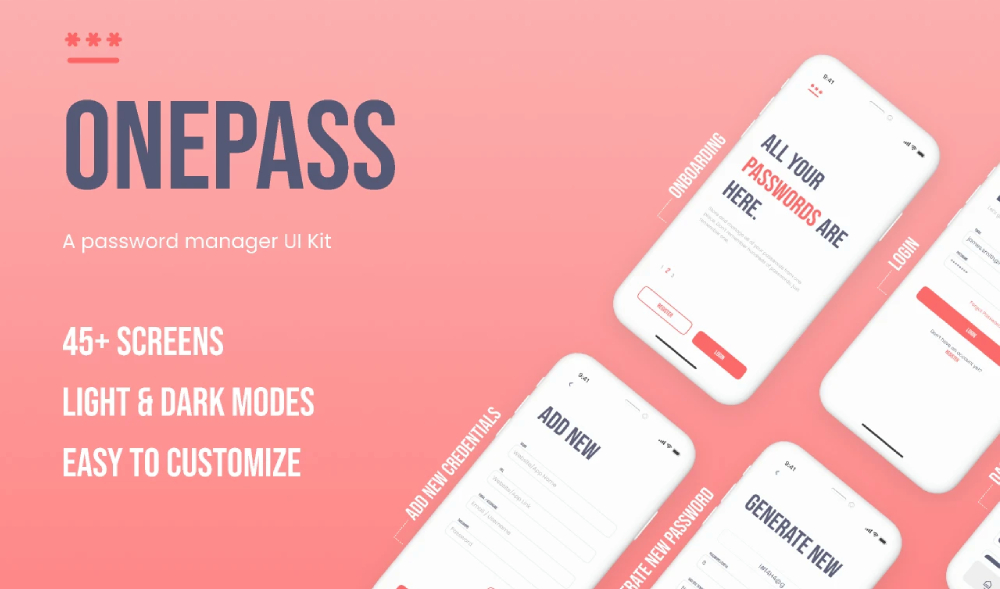
Download OnePass, a free password manager UI kit Figma, designed to showcase a modern and secure approach to managing digital credentials. OnePass explores how a password manager app can help users safely store, manage, and protect their passwords in an increasingly complex digital world.
With the growing number of platforms, accounts, and login credentials people use every day, password management has become a real challenge. Many users reuse the same password across multiple services or rely on weak passwords that are easy to remember but also easy to compromise. OnePass addresses this problem by presenting a clean, user-friendly interface focused on security, usability, and trust.
A Modern UI for Secure Password Management
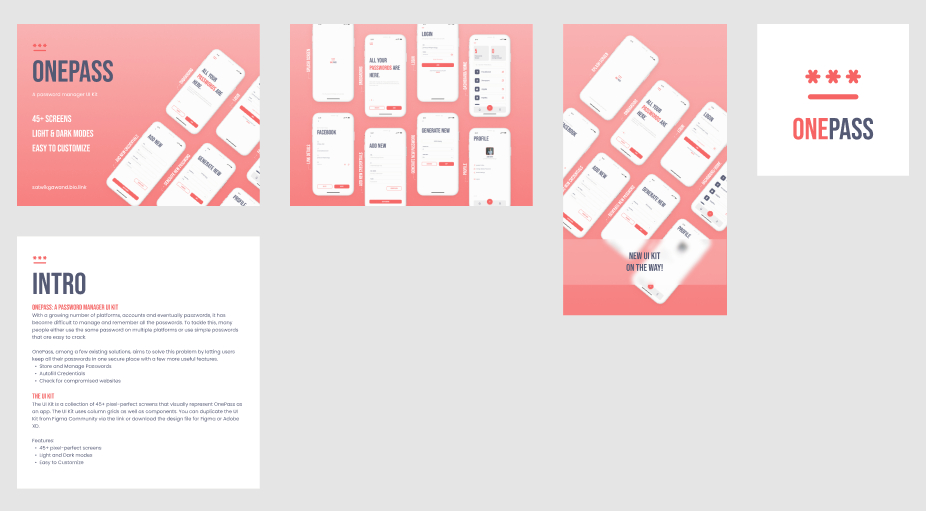
OnePass is designed as a complete app concept that visualizes how a password manager might work in practice. The UI focuses on clarity and structure, helping users quickly access stored passwords, manage credentials, and understand security-related information without feeling overwhelmed.
The layout and visual language feel modern and professional, which is essential for apps dealing with sensitive data. Clear typography, balanced spacing, and consistent components help build user confidence while keeping the interface easy to navigate.
Core Password Manager Features Visualized
This free password manager UI kit Figma is visually represents common features found in modern password management apps, including:
- Storing and managing passwords in one secure place
- Autofilling credentials for faster logins
- Checking for compromised websites and security risks
These flows make the kit especially useful for designers working on security-focused products or learning how to design interfaces that handle sensitive user data.
A Large, Well-Structured UI Kit
OnePass is not a small concept mockup it’s a comprehensive UI kit with over 45 pixel-perfect screens. The screens are built using column grids and reusable components, making the design system easy to understand, customize, and expand.
The kit also includes both light and dark modes, allowing designers to explore accessibility, contrast, and theme switching within a single design system. This makes OnePass a valuable reference for modern app design best practices.
What’s Included in This Password Manager UI Kit Figma
This free OnePass UI kit includes:
- 45+ pixel-perfect app screens
- Password manager app UI flows
- Light and dark mode designs
- Grid-based layouts and reusable components
- Fully editable design files
- Support for Figma and Adobe XD workflows
The file can be duplicated directly from the Figma Community or downloaded for further customization.
Ideal For
This free password manager UI kit is ideal for:
- UI/UX designers and product designers
- Security and privacy-focused app concepts
- Mobile app UI inspiration
- Learning and practicing large-scale UI systems
- Portfolio and case study projects
- Designers exploring light/dark mode design
License Note
The UI kit is shared for free, but no explicit license is mentioned. As with many community resources, this usually means the creator did not specify usage terms. If you plan to use this UI kit in a commercial project, it’s recommended to reach out to Satwik Gawand for confirmation most creators are happy to allow usage when asked.
Overall, OnePass is a detailed and well-thought-out password manager UI kit that combines security-focused UX with modern app design. With its large number of screens and clean component system, it’s a valuable resource for designers working on authentication, security, or productivity apps.
Download Figma MockupReport missing link