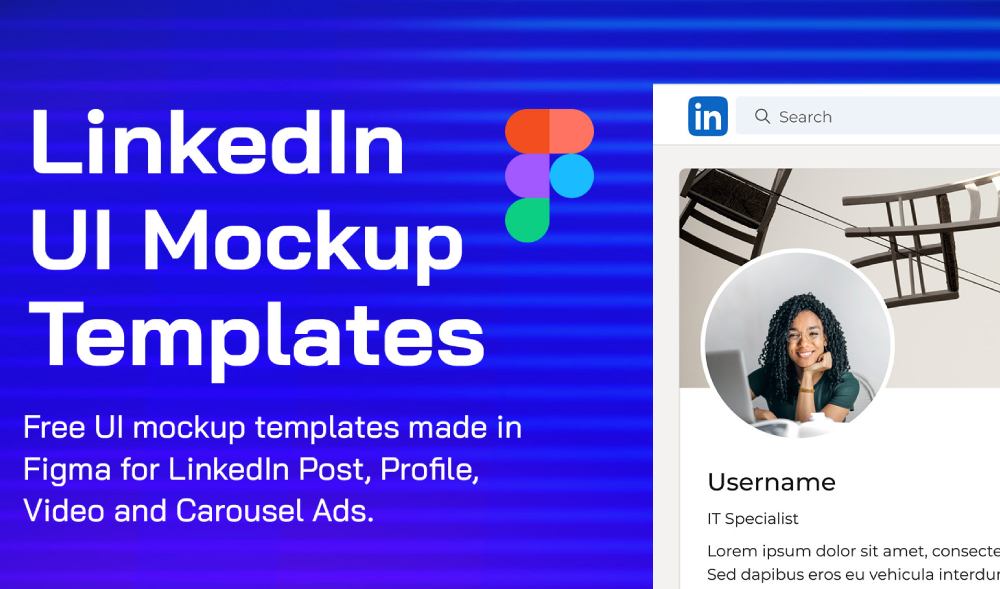
If you are designing content for LinkedIn and want a clean way to present your work, these LinkedIn Profile and Ad Mockups for Figma are a great addition to your design toolkit. They allow you to showcase LinkedIn profiles, sponsored posts, and ad creatives in a realistic yet minimal format, without distracting from the actual content.
LinkedIn is one of the most important platforms for professional branding, B2B marketing, and product promotion. Whether you are preparing a case study, building a portfolio, or presenting campaign concepts to a client, mockups help your designs feel finished and credible. Instead of sharing flat screenshots, you can place your layouts into structured mockups that reflect how content appears on LinkedIn in real use.
These mockups are built in Figma, making them easy to customize and reuse. You can quickly swap profile photos, update headlines, change post content, or adjust ad creatives without rebuilding layouts from scratch. This is especially useful for marketers, designers, agencies, and startups working on multiple campaigns or social media concepts.
What these LinkedIn mockups are ideal for
This free resource works well across many real world use cases:
- Presenting LinkedIn ad concepts to clients or stakeholders
- Showcasing social media campaigns in portfolios or case studies
- Designing profile page concepts for personal branding projects
- Creating marketing visuals for SaaS and B2B products
- Building social proof sections for websites or landing pages
- Preparing pitch decks and internal presentations
Why LinkedIn mockups matter
LinkedIn design is subtle. Small changes in spacing, hierarchy, and typography can have a big impact on how professional content feels. Using mockups that reflect real platform layouts helps ensure your designs look intentional and trustworthy. It also helps non designers understand how ads and posts will appear once published.
Flat exports often lack context. Mockups solve that by placing your design in a familiar environment, making it easier for viewers to focus on messaging, visuals, and call to action placement.
Tips for better presentations
To get the most out of these mockups, keep a few best practices in mind:
- Use realistic copy lengths similar to real LinkedIn posts
- Avoid over designing ads so they blend naturally with feeds
- Keep backgrounds neutral to match LinkedIn’s clean UI
- Use consistent spacing across multiple mockups in a set
- Export high resolution images for presentations and portfolios
Easy to use in Figma
Because this file by Martin is made for Figma, you can duplicate frames, create variants, and build multiple scenarios quickly. It fits naturally into modern design workflows and works well alongside other social media and product mockups.
Download Figma MockupReport missing link