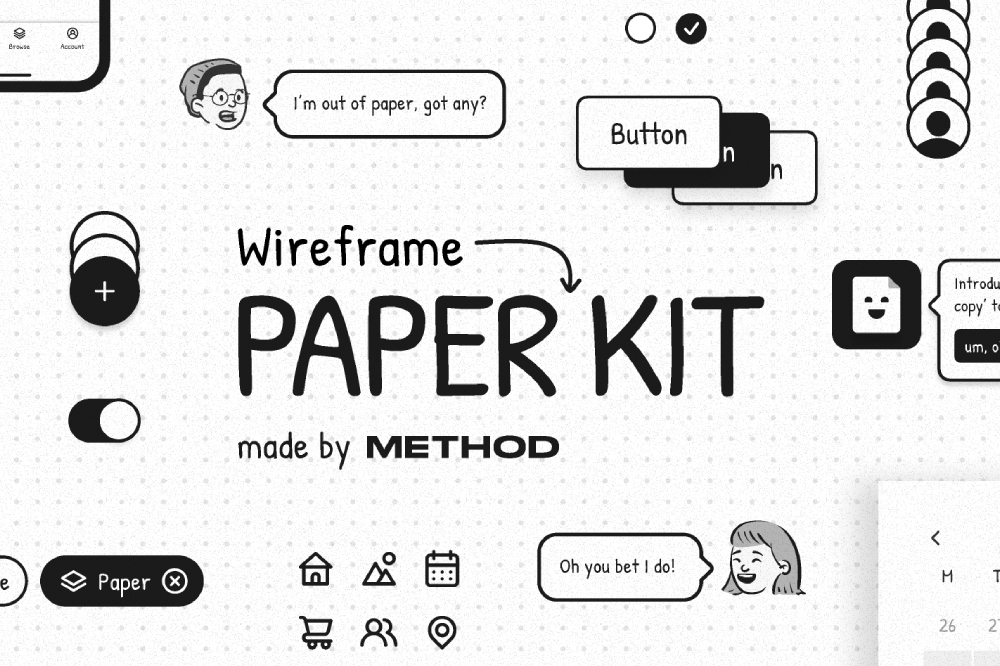
The Free Figma Paper Wireframe Kit is a practical resource for designers who want to focus on structure and user flow before visual polish. Inspired by hand drawn sketches, this kit helps you create low fidelity wireframes that feel fast, flexible, and easy to iterate on. It is ideal for early stage UX work where ideas matter more than pixels.
Wireframing on paper has always been one of the fastest ways to think through layouts. This kit brings that same approach into Figma, allowing you to work digitally while keeping the loose and exploratory feel of sketching. Instead of jumping straight into colors, typography, and detailed UI components, you can map out screens, flows, and interactions with clarity and speed.
Because it is built in Figma, the Paper Wireframe Kit fits perfectly into modern design workflows. You can collaborate in real time, duplicate screens, rearrange layouts, and quickly test multiple ideas without worrying about design consistency or visual detail. This makes it especially useful for UX designers, product designers, startups, and teams running workshops or discovery sessions.
What you can use this free figma wireframe kit for
This kit is designed to support the earliest stages of product and interface design:
- Sketching app and website layouts quickly
- Planning user flows and navigation structures
- Running UX workshops and brainstorming sessions
- Creating low fidelity prototypes for testing
- Communicating ideas clearly with clients and stakeholders
- Aligning teams before moving into high fidelity design
Why paper style wireframes work
Paper style wireframes remove visual distractions. When everything looks intentionally rough, feedback stays focused on layout, hierarchy, and usability rather than colors or fonts. This leads to better conversations and faster decisions, especially when working with non designers or early stage product ideas.
They also encourage experimentation. Because the designs feel lightweight, it is easier to delete, redraw, or completely rethink a screen. That mindset is critical during the discovery phase of any project.
Tips for using the kit effectively
To get the most value from this wireframe kit, try these simple practices:
- Keep text short and descriptive, not final copy
- Focus on content placement and flow, not styling
- Use multiple variations of the same screen to explore ideas
- Share wireframes early to gather feedback
- Transition only the best concepts into high fidelity UI
Built for Figma collaboration
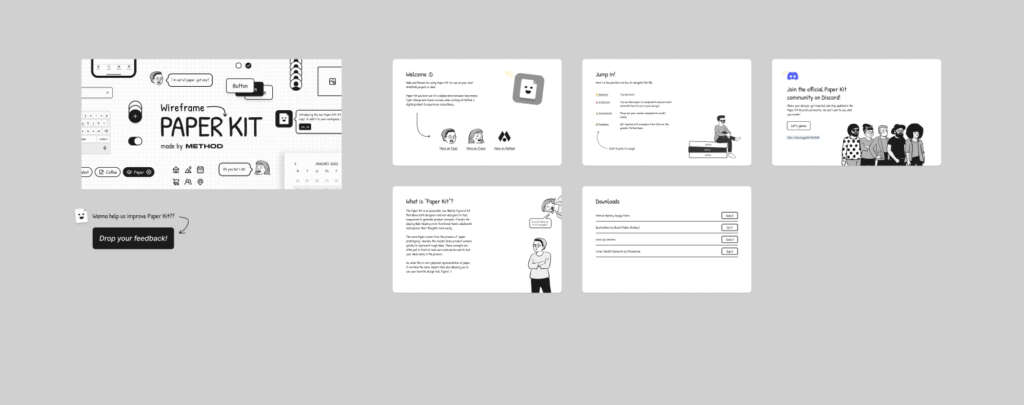
This free template by Method is easy to duplicate, edit, and share. You can combine it with other wireframe components, annotations, or flow diagrams to build a complete UX blueprint before moving into detailed design work.
Download Figma MockupReport missing link