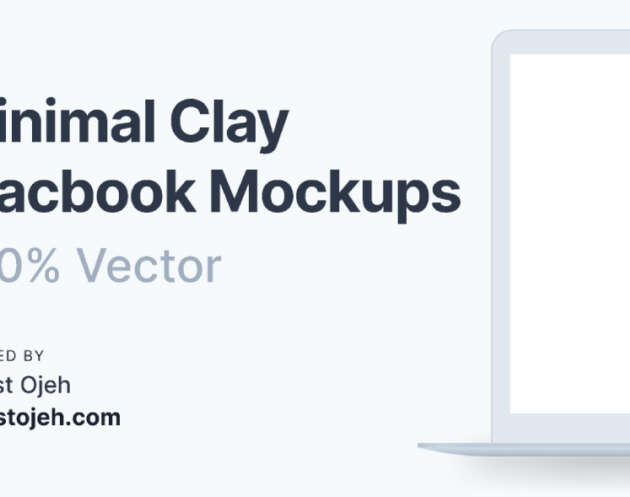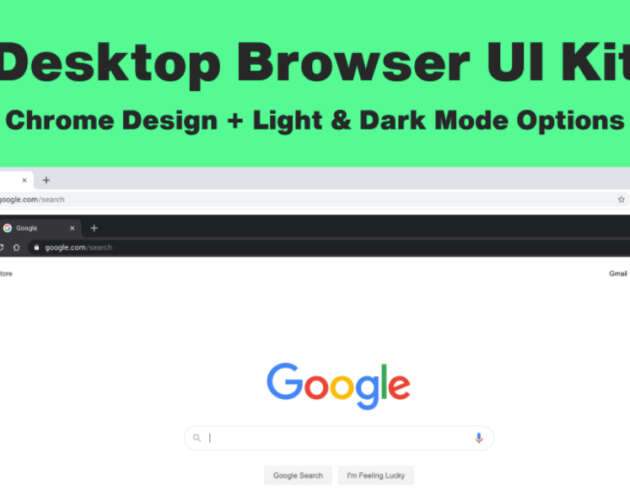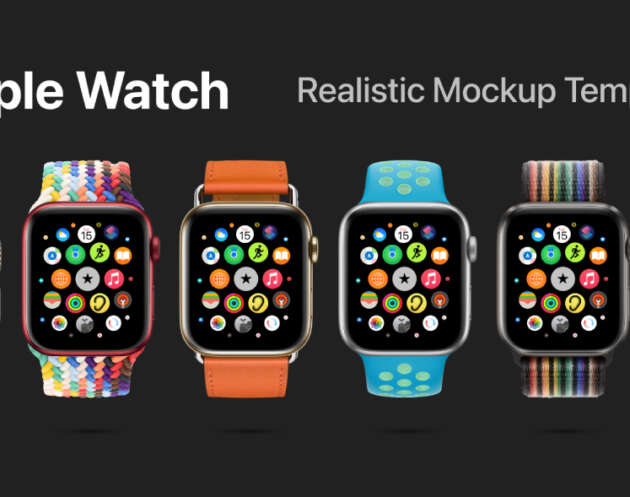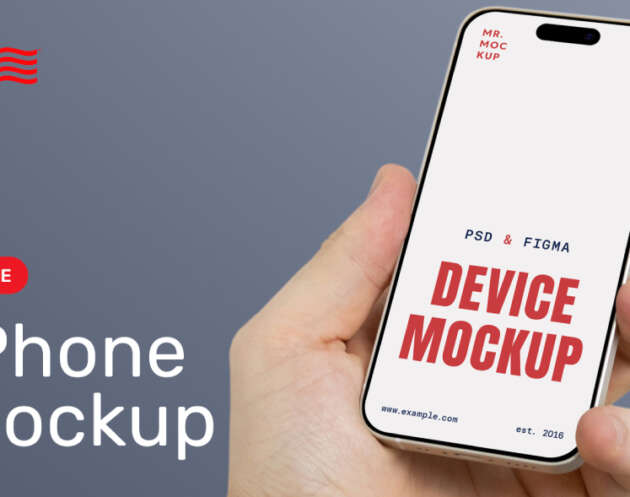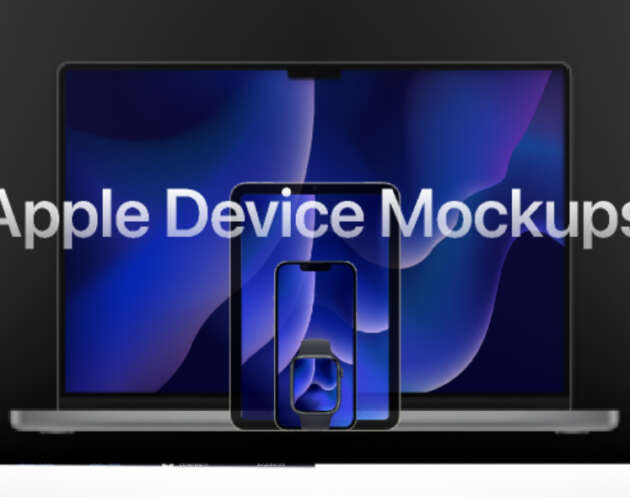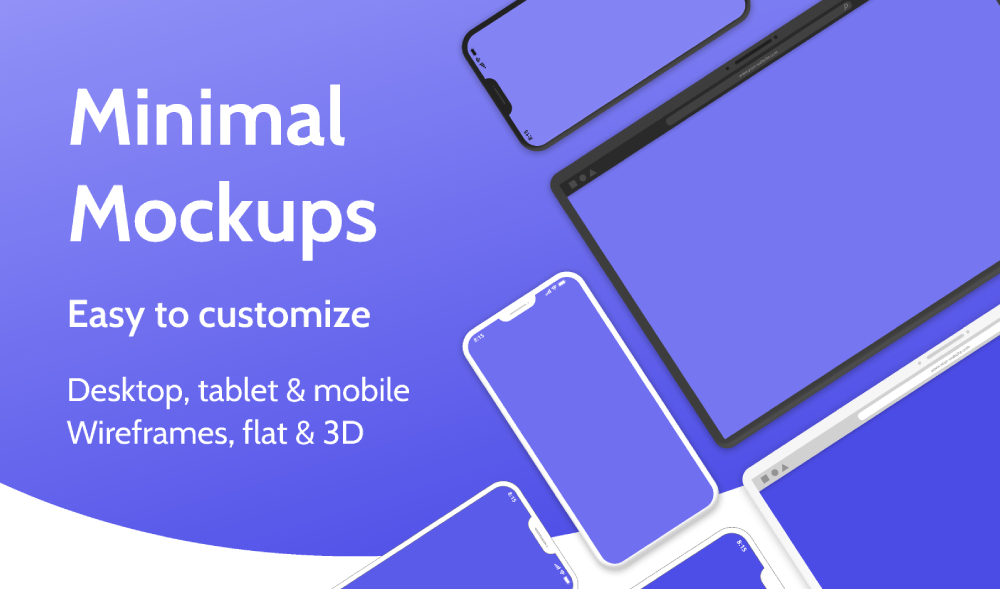
This download is for a Free Minimal Device Mockups Figma. If you are looking for a clean and distraction free way to present your designs these minimal device mockups are a solid go to. This Figma resource focuses on simplicity making your UI designs the main focus without heavy shadows flashy backgrounds or unnecessary decoration.
The mockups are designed with modern devices in mind and work perfectly for showcasing mobile apps web interfaces dashboards and product concepts. Whether you are preparing a client presentation updating a portfolio or creating visuals for a landing page these mockups help your designs look polished and professional.
Because the style is minimal the mockups adapt easily to many different branding styles. You can use them for SaaS products startup pitches design case studies or marketing visuals without worrying about them feeling outdated or overly styled. They are especially useful when you want consistency across multiple screens or layouts.
What you can use these mockups for
These minimal device mockups are flexible and practical. You can drop your screens directly into the frames and instantly create high quality visuals.
Common use cases include
Portfolio case studies to show real product flows
Client presentations where clarity matters
Landing page visuals for apps and digital products
Social media previews and product announcements
Pitch decks and investor presentations
The file is fully editable in Figma so you can resize devices swap screens adjust spacing and customize colors if needed. No plugins are required and everything is easy to update even if you are not an advanced Figma user.
Why minimal mockups work so well
Minimal mockups do one important thing very well they keep attention on the design itself. Instead of competing with gradients reflections or complex scenes these mockups quietly support your work.
This makes them ideal for
Designers who want a timeless presentation style
Teams working on product focused interfaces
Anyone building a clean and professional design system
They are also lightweight which helps keep your design workflow fast and organized especially when working on multiple projects at the same time.
How to get the most value from this resource
Use these mockups by Marketa Kucerova consistently across your portfolio and marketing materials to build visual coherence. Pair them with neutral backgrounds clear typography and concise copy for best results. If you are showcasing multiple screens keep spacing and alignment consistent to maintain a strong visual rhythm.
Download Figma MockupReport missing link