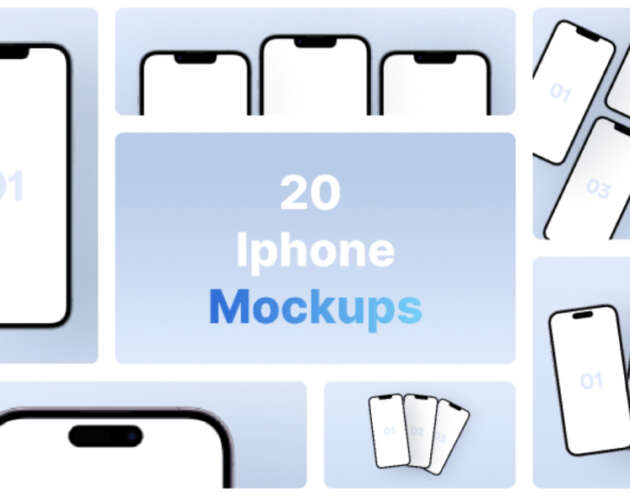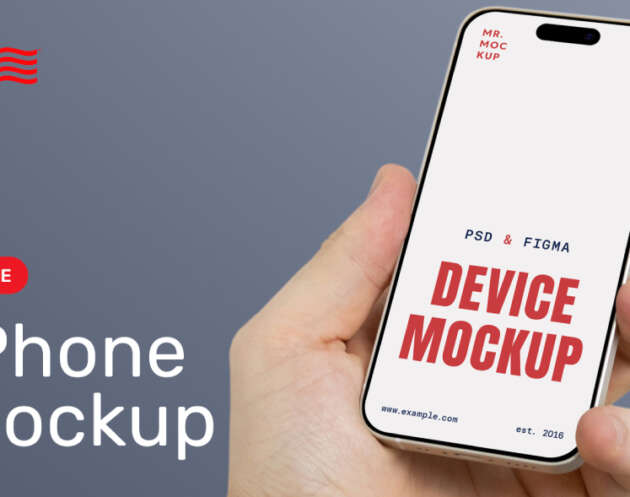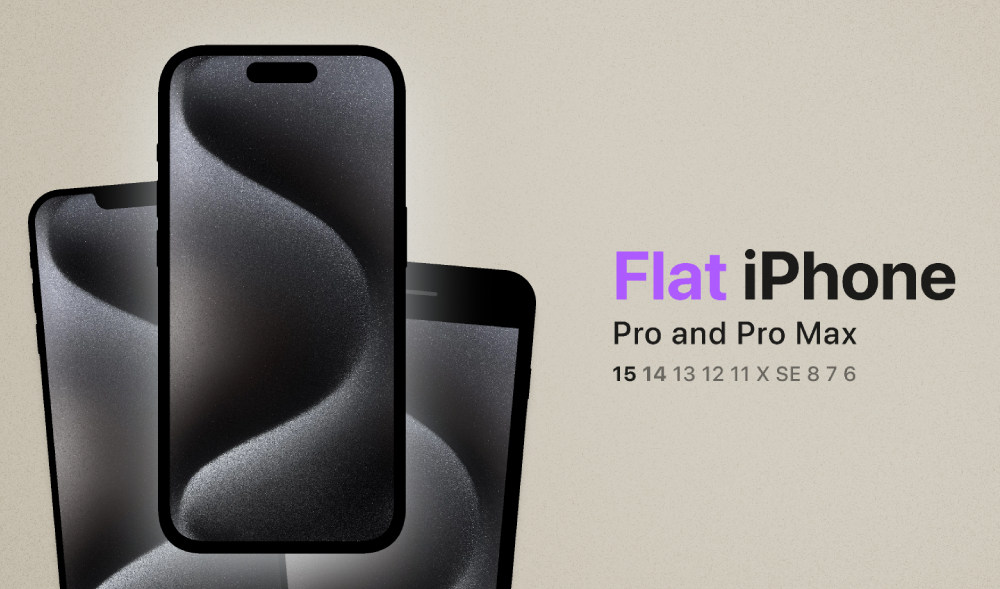
If you need a clean way to present your app screens without heavy shadows or distracting reflections, this Free Flat iPhone Mockup for Figma is a solid go-to. It’s designed in a minimal flat style so your UI is always the focus. Whether you’re working on a mobile app concept, a client pitch, a portfolio case study, or a quick Dribbble shot, flat device mockups are one of the fastest ways to make designs feel “real” while keeping the layout modern and uncluttered.
This Figma mockup is especially useful when you want consistency across multiple screens. Instead of rebuilding frames every time or hunting for device dimensions, you can drop your screens in and keep spacing, alignment, and cropping predictable. Flat mockups also work really well for designers who like a clean aesthetic, SaaS teams creating marketing pages, and developers building a prototype and needing something polished for a demo deck.
Because it’s built for Figma, you can edit the mockup easily: swap screen content, adjust background placement, scale elements for a hero header, and reuse the same device frame across multiple presentations. It’s great for UI/UX designers, product designers, agencies, and anyone sharing app screens on a website or portfolio.
What you can use this iPhone mockup for
If you’re building anything mobile-first, you’ll get a lot of mileage from this file:
- App screen presentations for portfolios and case studies
- Landing page hero sections (app preview blocks)
- UI shots for Dribbble, Behance, and social posts
- Product pages showing key features or flows
- Wireframe-to-mockup comparisons in a project write-up
- Client proposals where you need a clean device frame fast
Why flat mockups work so well
Flat mockups are simple, but that’s exactly why they convert. They keep attention on your UI. They also fit nicely with modern minimal website styles, especially when you’re building design resource pages, product pages, or SaaS marketing layouts. You can pair them with typography-heavy sections, gradient backgrounds, or plain white space and they still look sharp.
Quick tips for better results
A few easy tweaks that instantly make this type of mockup look more professional:
- Use a slightly off-white background instead of pure white
- Add a subtle shadow only if the screen blends into the page
- Keep your screen padding consistent across all shots
- If you’re showing a flow, use 3–5 screens max in one layout
- Export at 2x for crisp edges (especially on device frames)
Download and edit in Figma
This is a free download by Richard and you can open directly in Figma and start using immediately. Just insert your screen designs, duplicate the frame for variations, and export for your portfolio, website, or client presentation.
Download Figma MockupReport missing link