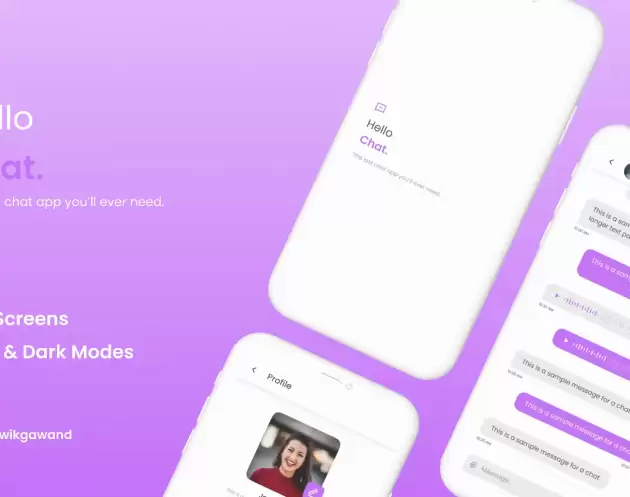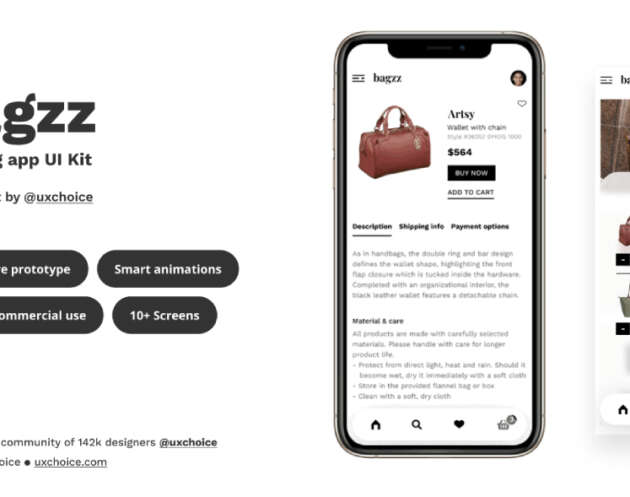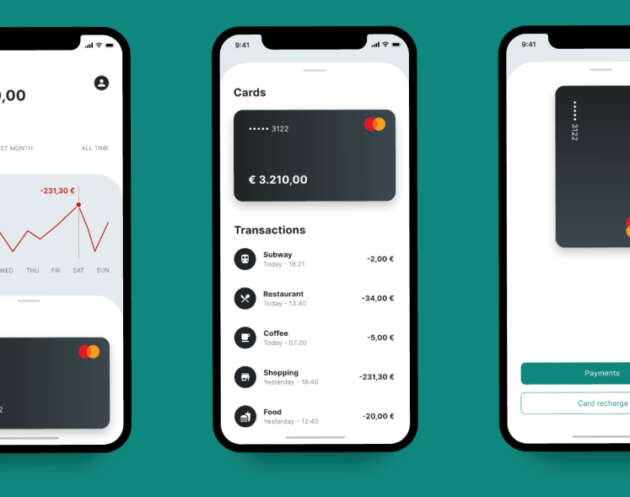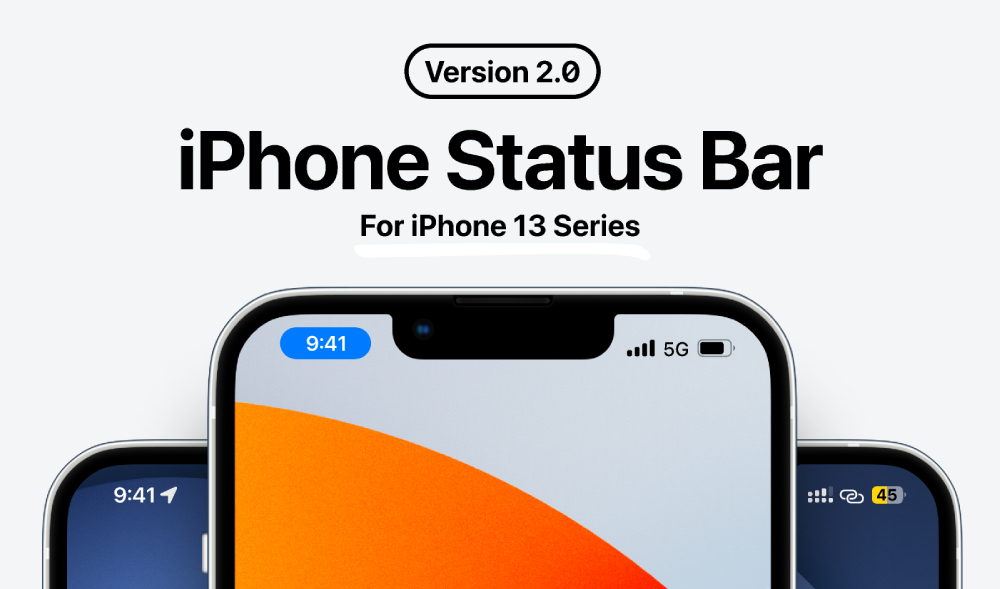
Download Status Bar iPhone 13 Series free Figma UI resource designed to help designers accurately recreate the iOS status bar for iPhone 13 devices. This template is perfect for polishing mobile app screens, ensuring UI consistency, and presenting designs that feel native to iOS.
Small interface details play a big role in how professional a design feels. Using a correct status bar improves realism and helps designers communicate how an app will look in real world usage, especially during reviews and presentations.
Accurate iOS Status Bar for iPhone 13 Designs
This iPhone 13 status bar template includes the essential system indicators such as time, signal, WiFi, and battery. It allows designers to quickly add a realistic top bar to mobile screens without manually recreating system UI elements.
It is well suited for:
- iOS app UI design
- Mobile app mockups and prototypes
- Design presentations and demos
- Portfolio and case study visuals
- UI consistency checks
Using an accurate status bar helps align designs with iOS interface standards.
Designed for Precision and Visual Consistency
When designing mobile apps, even small inconsistencies can break immersion. This status bar resource helps maintain visual accuracy across screens, making designs feel more polished and production ready.
Designers can reuse the status bar across multiple screens and flows, which helps maintain consistency throughout an app experience. This is especially useful for onboarding screens, feature walkthroughs, and full app previews.
Fully Editable and Easy to Use in Figma
Built natively in Figma, this status bar template is fully editable and simple to integrate into existing design files. Designers can adjust colors, visibility, and placement to match light or dark UI themes.
Because it lives directly inside Figma, it supports fast iteration and smooth collaboration with product teams and developers.
What Is Included in This iPhone Status Bar Figma Template?
This free Status Bar iPhone 13 Series template includes:
- Accurate iOS status bar layout
- Time, signal, WiFi, and battery indicators
- Editable elements for different UI themes
- Fully usable Figma file
- Optimized for mobile UI designs
It provides a clean and reliable way to finish mobile screens with realistic system UI.
Ideal For
This free Figma iOS status bar template is ideal for:
- UI and UX designers
- iOS app designers and teams
- Mobile app prototyping
- Portfolio and case study creation
- Client and stakeholder presentations
If you want your iPhone app designs to look authentic and production ready, this status bar resource by Boris Borisov is a valuable addition to your Figma toolkit.
Download Figma MockupReport missing link